

- Vega Development Environment (Vega Virtual Device (simulator), VSCode)
- React Native key concepts (Reactive Design via Components, JSX, Layouts, State/Props)
- Library Integration (Video Player, Navigation)
This guide is divided into two parts:
- Part 1: You’ll create a single screen app that will serve as a Landing Screen. This screen will fetch a list of videos from an API, categorise and render them.
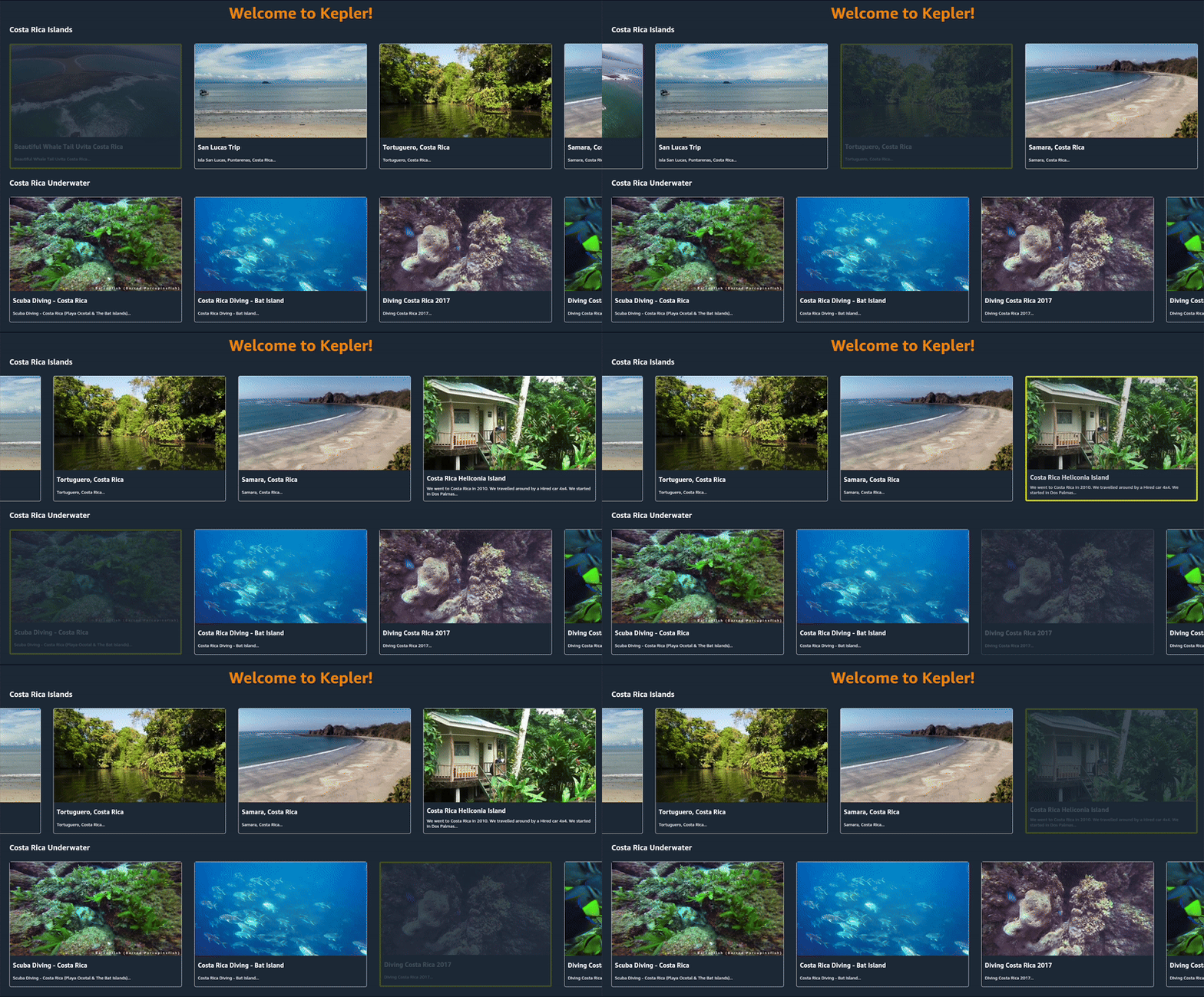
Landing screen
- Part 2: You will learn about React Navigation and create a more scalable and maintainable folder structure. You’ll extend the app by adding a VideoPlayerScreen that launches your Player of choice for playback and a VideoDetailScreen that shows more information about the Video.

VideoPlayerScreen that launches your player
