

Download subscription reports
In the download center, you can download monthly subscription reports. To download subscription reports- Sign in to your developer account and go to the Developer Console dashboard.
- From the navigation bar, select My Reports > Download Center.
- In the main panel, select Subscription Reports.
- Select the month of the report that you want to download.
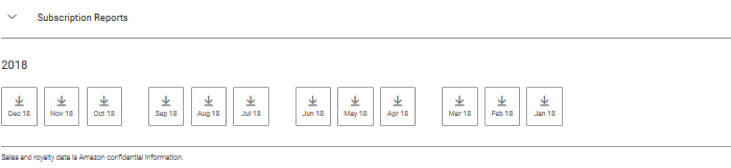 This CSV file is updated every 24 hours, but the data may lag by up to 48 hours.
Subscription report FAQ
The following are frequently asked questions (FAQ) about subscription reports.Fields in the subscription reports
The CSV file is a text file with a .csv file extension. The CSV file must use UTF-8 encoding to support localized strings. The CSV file contains one header row, which displays the column titles. Each subsequent row in the file contains the information for one report item. The following table describes the fields for each entry (row) in the CSV file.| Field | Description | Example |
|---|---|---|
| Date | The subscription data for this record was collected on this date. | 12/29/18 |
| Marketplace | The Amazon marketplace associated with the data in this record. | Amazon.com |
| App Title | The subscription is for the app with this title. | My Test App |
| ASIN | Amazon Standard Identification Number (ASIN) for the subscription. | C00006M4PF |
| Vendor SKU | The SKU of the subscription. | com.test.monthly |
| Subscription Title | The title of the subscription. | Test Monthly Subscription |
| Subscription Duration | The duration of the subscription. | Monthly |
| Subscription Type | The subscription type has the value trial or paid. | paid |
| Active | The total number of active subscriptions at the end of the specified day (11:59 PM UTC). | 7261 |
| Started | The number of subscriptions initiated during the specified day | 163 |
| Ended | The number of subscriptions that were cancelled or ended without renewal during the specified day. | 163 |
| Refunded | The number of subscriptions that were refunded during the specified day. | 163 |
